Gamma Watermark Remover
- NotebookLM Watermark Remover
- NotebookLM PPT Watermark Remover
- NotebookLM PDF Watermark Remover
- NotebookLM Video Watermark Remover
- All formats
Drop the .pptx or .pdf you exported from Gamma. In a PowerPoint file, the "Made with Gamma" badge is a separate shape with a link to gamma.app, placed on the slides or on the slide layout, so this tool deletes that shape from the XML and leaves every other object exactly as it was. In a PDF, it deletes the gamma.app link and rebuilds the few pixels under the badge. Everything runs in your browser, and two exports a day are free.
Opening and previewing is free; a download counts as one export. Check that nothing is uploaded
Your file in, a clean corner out
Choose a watermark type on the left and the box moves on this sample slide.
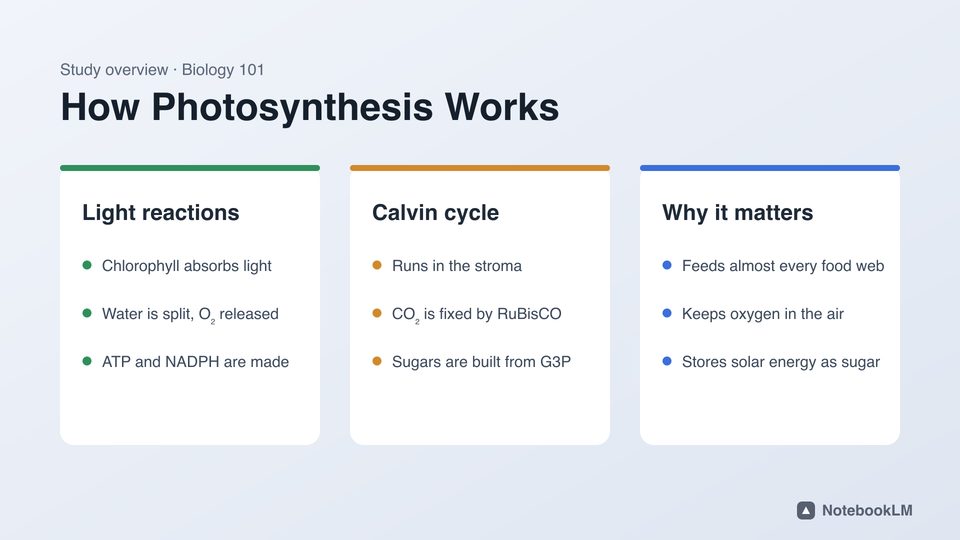

Before

After
The corner of this sample, before and after, cleaned by the same engine.
Before and after


The sample slide, start to finish
Recorded in this tool: open the sample, check the box, remove the mark, compare. Seven seconds, and nothing leaves the browser.
Where Gamma puts the badge
Gamma adds the badge to PDF and PowerPoint exports made while the workspace is on the Free plan (Gamma help: exporting). What it looks like inside the file depends on the format:
| Export | How the badge is stored | What this tool does |
|---|---|---|
| .pptx | A small shape or picture in the bottom-right corner, with a hyperlink relationship to gamma.app. Depending on the export it sits on each slide (ppt/slides/slideN.xml) or once on the slide layout or master (ppt/slideLayouts, ppt/slideMasters), which is why clicking it in PowerPoint often does nothing. | Deletes that shape, its group and its link from the XML. No pixels are touched, so text, charts and images stay vector and editable. |
| A small badge drawn in the bottom-right corner of each page, with a clickable link annotation that points to gamma.app. | Deletes the link annotation, renders the corner, rebuilds the badge area from the surrounding background and places the clean patch over exactly that spot. | |
| .png / slide image | Part of the pixels. | Rebuilds only the pixels that stand out inside the corner box. |
Remove "Made with Gamma" from a PPTX
- In Gamma, open the deck and choose Export → PowerPoint.
- Keep "Gamma PPTX / PDF" selected above and drop the .pptx into the box (or press "Try sample .pptx" first).
- Read the check: it lists every badge it found and where (slide, layout or master). Opening a file is free.
- Press Remove watermark, then Download PPTX. Open it in PowerPoint, Keynote or Google Slides: the corner is empty and every other object is where you left it.
Remove the Gamma badge from a PDF
- Export the deck from Gamma as PDF.
- Drop the PDF. The tool lists the gamma.app links it found and puts the box where the badge is.
- Look at the enlarged before/after corner, made by the real engine on your device, and move the box if needed.
- Press Remove watermark and download the clean PDF. Pages keep their size, text stays selectable, and only the badge area changes.
Free tool or Gamma Plus?
Gamma removes the badge itself on its paid plans: Plus, Pro and Ultra all list "Removes the Made with Gamma badge" (Gamma pricing help). Third-party price trackers list Plus at about $8 a month billed yearly or $10 billed monthly; check gamma.app/pricing for the current price in your country.
| Gamma Plus | This tool (free) | This tool (Pro) | |
|---|---|---|---|
| Cost | About $8–$10 a month | $0, 2 exports a day | $4.99 a month or $29.99 a year |
| Removes the badge | Yes, on new exports | Yes, on files you already exported | Yes, unlimited files |
| Other features | More AI credits, custom branding, analytics | NotebookLM marks, PDF, images, video too | Same, no daily limit |
| Upload needed | Your deck lives on Gamma | No, runs in your browser | No, runs in your browser |
What stays exactly the same
- Slide text, fonts, tables and charts: the PPTX cleaner never rasterizes anything.
- Speaker notes, transitions, animations and slide order: only the badge node and its relationship are removed.
- Other links in your deck: a link to gamma.app inside a real paragraph loses the link but keeps the words.
- Your own logo on the slide master: pictures are only removed if they link to gamma.app or are named as a Gamma badge.
Questions
Is it allowed to remove the "Made with Gamma" badge?
The badge is Gamma’s way of marking free-plan exports. Removing it from your own presentation is a technical step, but you are responsible for following Gamma’s terms for your plan. Slide Watermark Remover is an independent tool and is not affiliated with Gamma Tech, Inc.
Why can’t I just click the badge and delete it in PowerPoint?
When the badge sits on the slide layout or master, it is not selectable on the slide itself. You would have to open View → Slide Master, find the right layout and delete it there. This tool finds it on slides, layouts and masters in one pass.
Does removing the badge change my slides?
No. For PPTX only the badge shape, its group and its gamma.app relationship are deleted from the XML; nothing is re-rendered. For PDF only the badge rectangle is rebuilt; the rest of each page is the original.
Does it work on Gamma PDF exports?
Yes. The gamma.app link annotation is deleted and the badge area is rebuilt from the surrounding page. If a page has the badge without a link, choose Custom box and draw the box over it.
Is my presentation uploaded?
No. The file is opened and rewritten in your browser tab. The server only counts how many free exports you used today. You can check this yourself in the browser’s Network tab.
How many decks can I clean for free?
Two exports a day, without an account. Pro removes the limit for $4.99 a month or $29.99 a year, and covers NotebookLM slides, PDFs, images and videos too.