NotebookLM PPT Watermark Remover
- Gamma Watermark Remover
- NotebookLM Watermark Remover
- NotebookLM PDF Watermark Remover
- NotebookLM Video Watermark Remover
- All formats
In a NotebookLM PowerPoint export, most of each slide is a single full-slide picture, and the watermark is part of that picture, so there is nothing to click and delete in PowerPoint. Drop the .pptx here: the tool finds the full-slide pictures inside the file (ppt/media), cleans the bottom-right corner of each one, and packs them back into the same deck. Slide order, notes and any editable text boxes stay as they are.
Opening and previewing is free; a download counts as one export. Check that nothing is uploaded
Your file in, a clean corner out
Choose a watermark type on the left and the box moves on this sample slide.
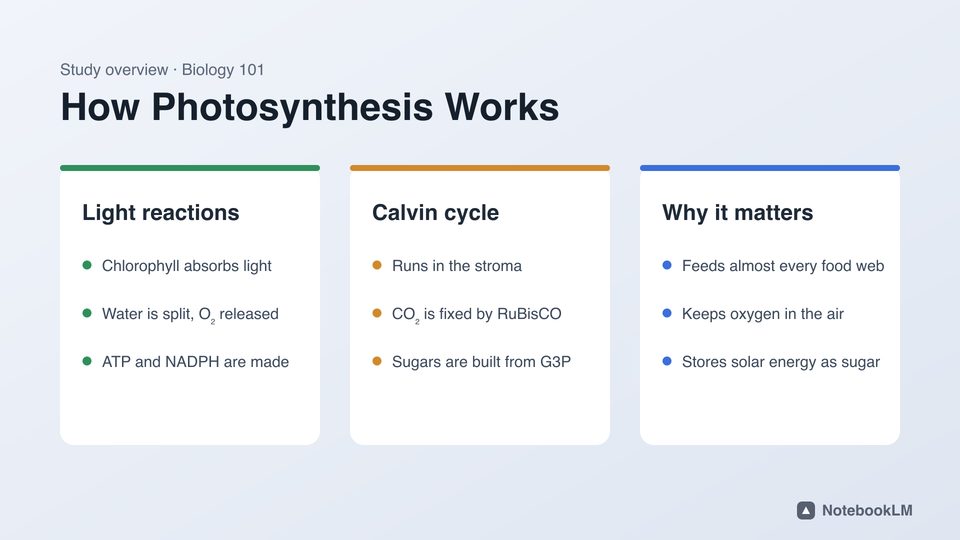

Before

After
The corner of this sample, before and after, cleaned by the same engine.
Before and after
The sample slide, start to finish
Recorded in this tool: open the sample, check the box, remove the mark, compare. Seven seconds, and nothing leaves the browser.
Why you can’t delete it in PowerPoint
NotebookLM added PowerPoint download for Slide Decks next to PDF (NotebookLM help). Reviews of the export describe the slides as image layers, with only some titles or bullets as editable text. When you click the watermark in PowerPoint you select the whole slide picture, not the mark. Cropping the picture cuts off part of your slide; covering it with a rectangle shows up as a patch on any gradient.
A .pptx is a zip archive. Every slide lives in ppt/slides/slideN.xml and points to its picture in ppt/media/imageN.png. That picture is where the mark is, so that is what this tool edits.
What happens to your .pptx
- The deck is unzipped in memory in your browser.
- Each slide is checked for a picture that covers at least 85% of the slide. With "NotebookLM" selected, every such picture is cleaned, even if the slide also has editable text.
- Each picture is decoded, the mark pixels inside the corner box are rebuilt from the background, and the picture is re-encoded in its original format (PNG stays lossless PNG).
- Any Gamma or NotebookLM badge shapes or links on slides, layouts and masters are removed as well.
- The archive is zipped again as a .pptx that opens in PowerPoint, Keynote and Google Slides.
Check the result before you download
- The first slide picture is shown with the box on it. Drag or resize the box if your mark is placed differently.
- The dashed outline shows exactly which pixels will be rebuilt.
- After cleaning you get the first slide before and after, side by side.
Limits
- If a slide’s background behind the mark is a photo or a busy pattern, the rebuilt pixels can look smoother than the rest. Move the box tighter around the mark for the best result.
- Old .ppt files: open them in PowerPoint and save as .pptx first.
- The invisible SynthID watermark, if present, is not changed.
Questions
Does the cleaned .pptx still open in PowerPoint?
Yes. Only the slide pictures (and any badge shapes) change; every other part of the package is copied as it was, so it opens in PowerPoint, Keynote and Google Slides.
Will it make my slides editable?
No. It keeps the deck as NotebookLM made it, minus the mark. Rebuilding slides as editable text is a different job.
Does the picture quality drop?
PNG pictures are written back losslessly, and only the mark pixels differ. JPEG pictures are re-saved at high quality (95).
How long does it take?
A 15-slide deck usually takes a few seconds on a laptop, because each picture is only decoded, fixed in one corner and encoded again.
Is it free?
Two exports a day are free without an account; one cleaned deck counts as one export, however many slides it has. Pro is unlimited.